See exactly where your disk space goes
Version 1.2
The scanner now scales with your Mac's CPU cores and goes deeper into the directory tree in parallel — big drives finish in a fraction of the time.
The visualization appears the moment a scan completes — even with millions of files. The UI stays responsive throughout the whole scan.
When an app installs protected helpers (like VPN clients), you now get a clear admin-permission notice with a one-click Reveal in Finder action instead of a cryptic error.
Features
Powerful visualization tools, smart cleanup, and a privacy-first approach. All running natively on your Mac.
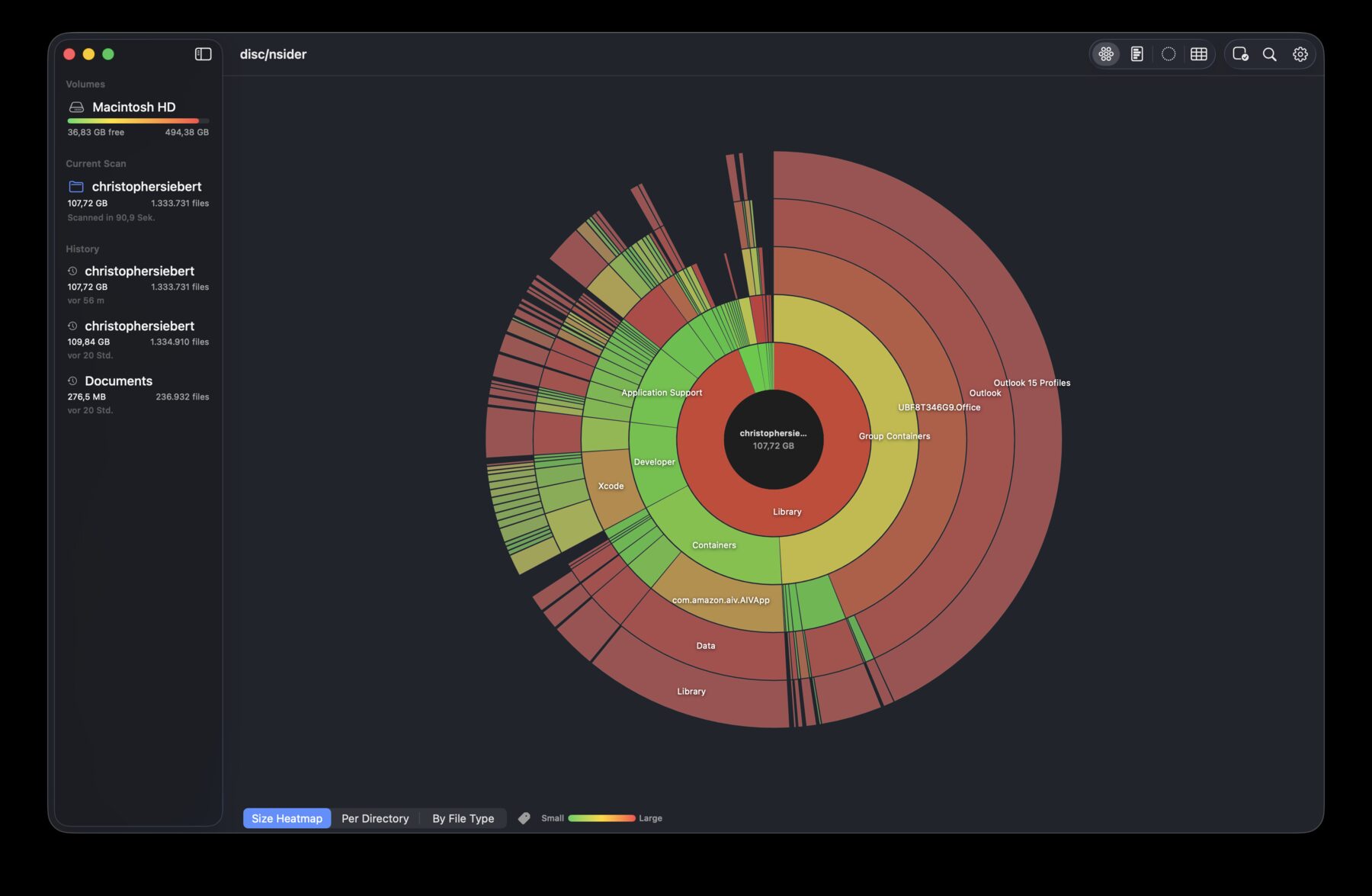
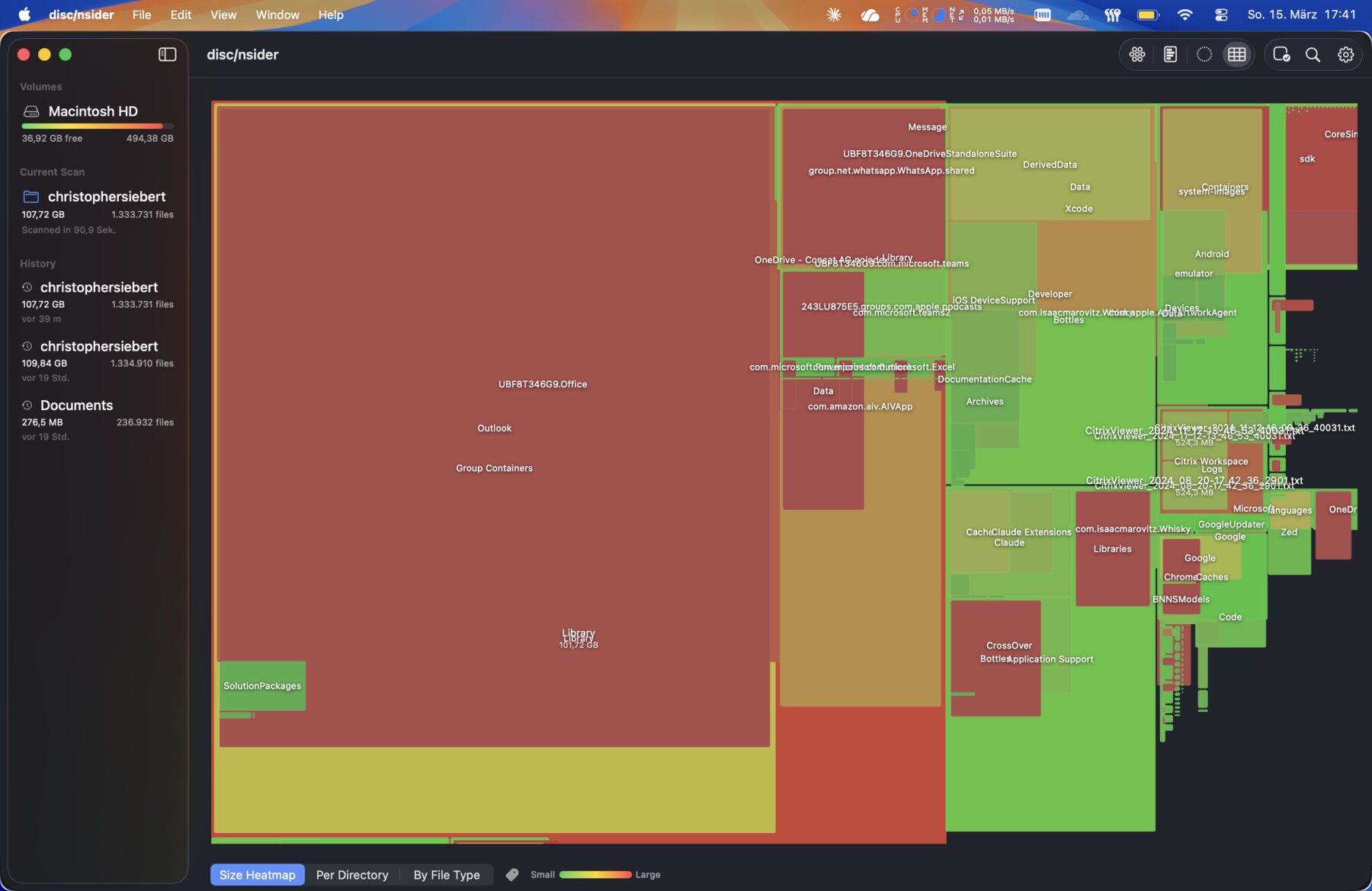
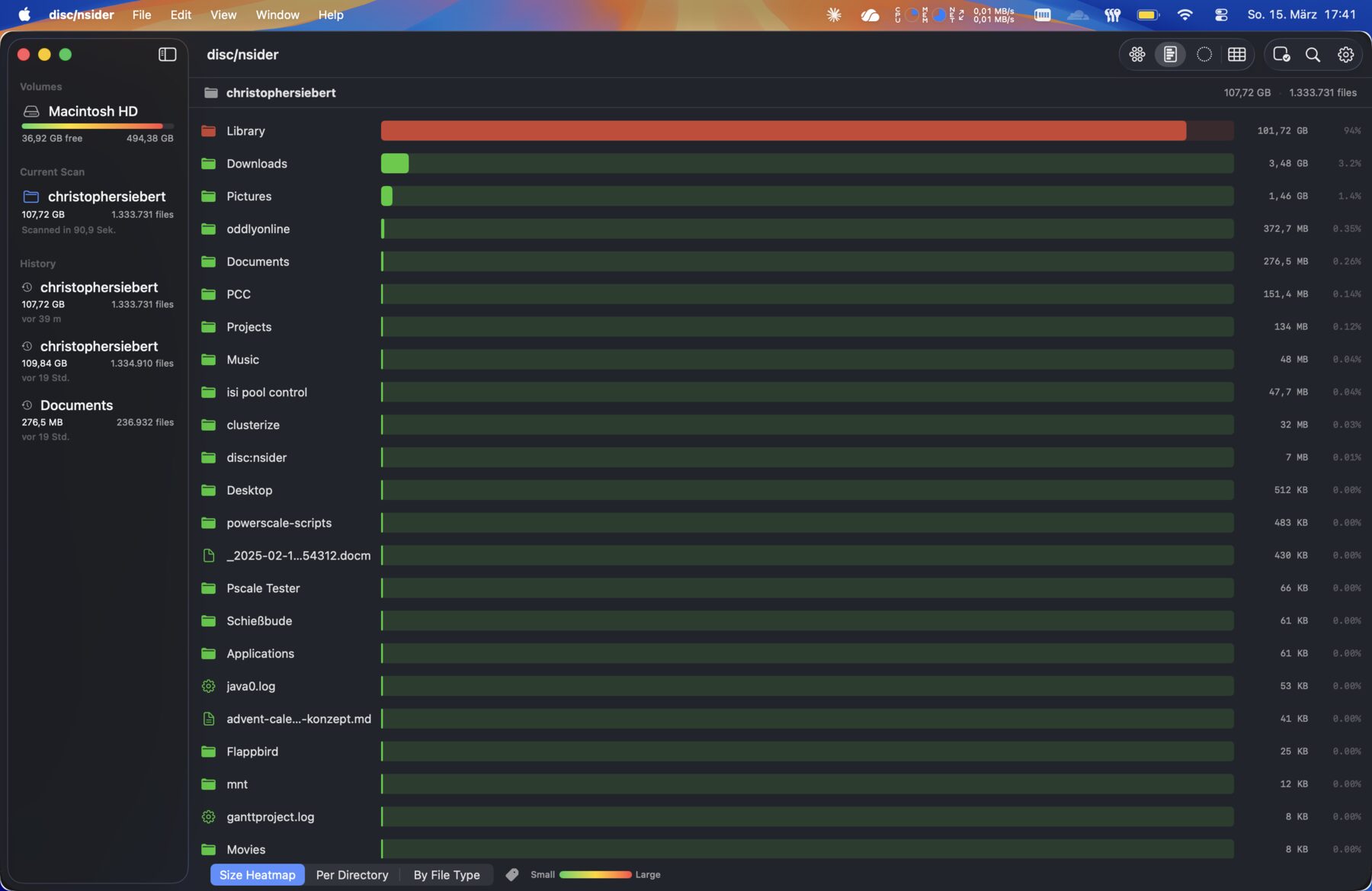
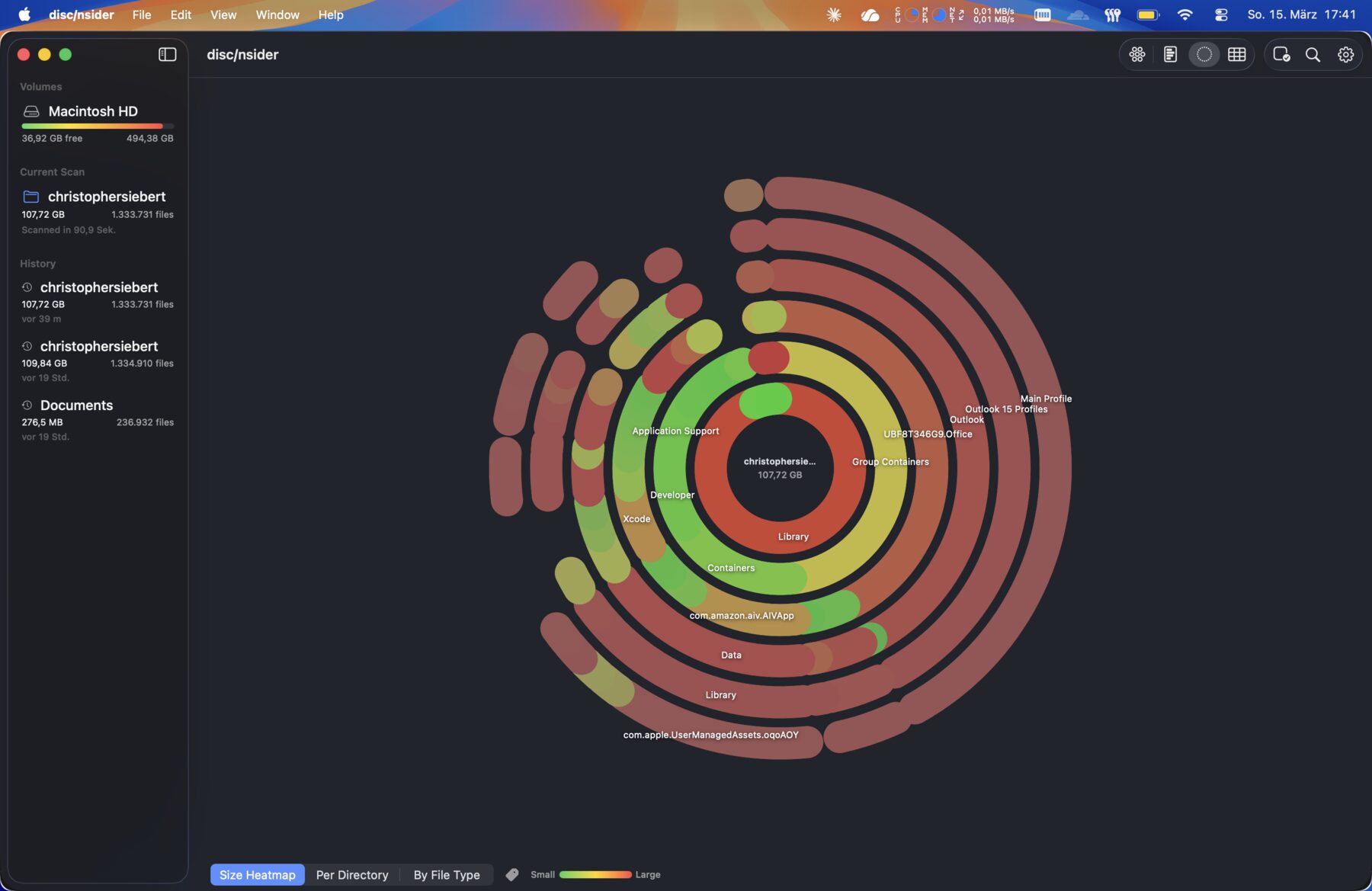
Sunburst, Bar Chart, Arcs, and Treemap. Switch between views to explore your files from every angle.
Instantly spot the largest files and folders with color-coded heatmap visualization. Big files glow hot.
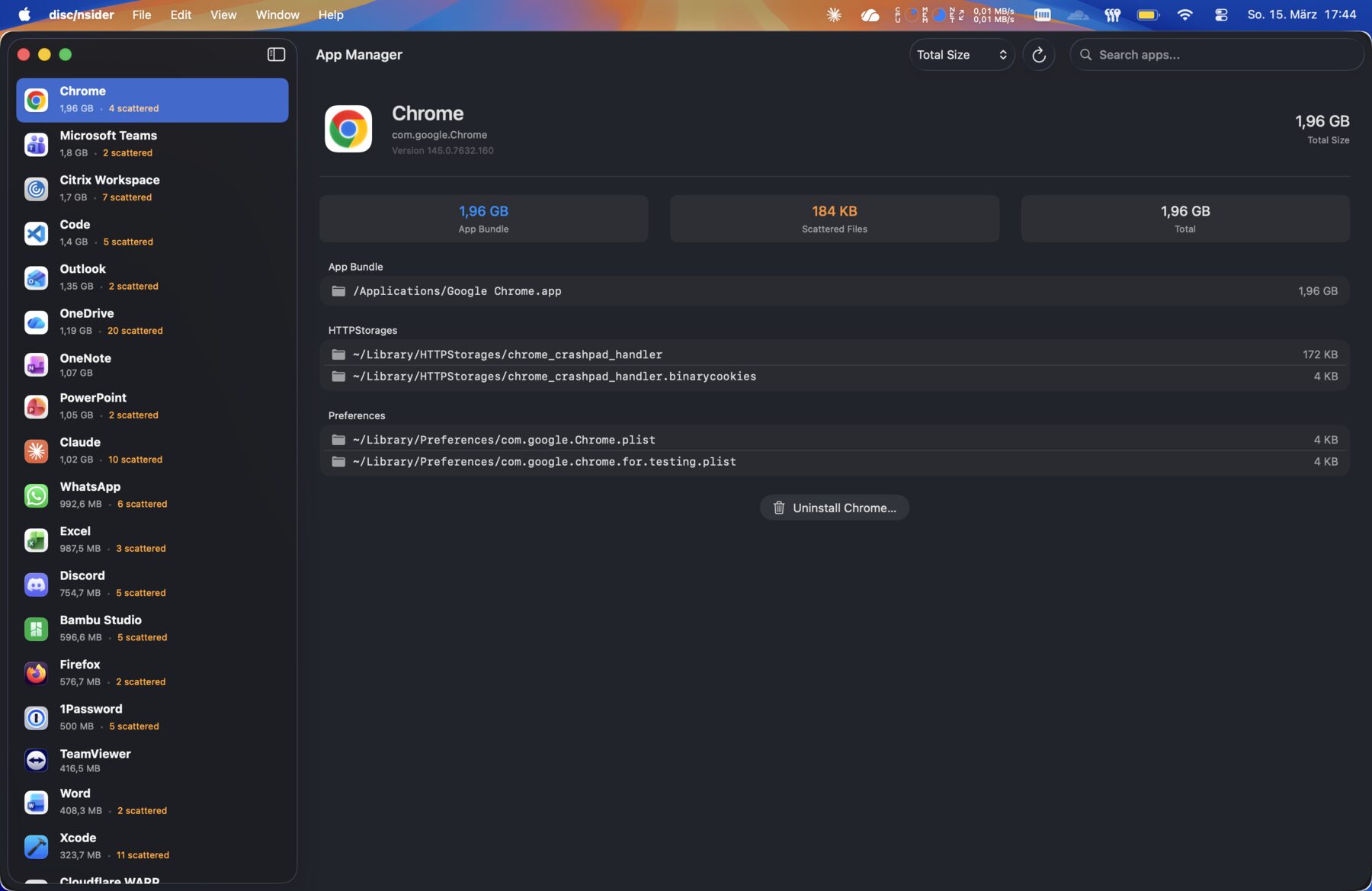
Find installed apps, see their true disk footprint including scattered caches, and uninstall the ones you no longer need.
Your last 10 scans are saved automatically. Revisit any previous scan to see how your disk usage has changed over time.
Preview any file right from the chart view without leaving the app. Press Space to peek, just like Finder.
See exactly how much space iCloud files occupy locally versus how much is evicted to the cloud — no more mystery storage.
Visualization
Each chart type reveals a pattern the others might miss. Switch with a single click and explore the same data through different lenses.
Cleanup
Most apps scatter files all over your Mac — caches, preferences, support files, login items. disc/nsider finds them all, shows the real size of each app, and removes everything cleanly in one step.
disc/nsider scans your disk entirely on-device. No analytics, no telemetry, no network calls — your file paths never leave your Mac. Distributed as a sandboxed Mac App Store app.
Read the privacy policy →